
Web Solutions Powered by Artificial Intelligence: A Detailed Guide for Startups and Entrepreneurs
Your first website can make or break you. Not because the logo is wrong. Because people leave fast when the page feels heavy. Think with Google found that when mobile load time goes from 1 second to 10 seconds, the chance of a visitor bouncing goes up by 123%. One slow page can quietly kill leads.
This is where Web Solutions Powered by Artificial Intelligence start to matter. They help your site do small smart jobs, like answering common questions, routing leads, spotting drop-offs, and suggesting the next best step. It is not magic. It is software using patterns from data, then acting on it in seconds.
AI is also not “future talk” anymore. McKinsey’s The State of AI: Global Survey 2025 says 88% of respondents report regular AI use in at least one business function. Still, many teams struggle to use it in a clean, safe way. This guide keeps it simple. You will see what to use, what to skip, and how to start without breaking your website.
TL;DR
- Speed matters. A slow website quietly kills leads.
- Web Solutions Powered by Artificial Intelligence add a smart layer that can guide users, route leads, and answer common questions.
- AI works best when you start small with one use case, not ten.
- Keep guardrails, test on real devices, and improve monthly.
Key Points
- Users leave fast when pages feel heavy, so performance and clarity need to come before any AI feature.
- Web Solutions Powered by Artificial Intelligence use data signals to predict, recommend, or automate small actions inside a website.
- A simple AI flow is: collect user signals, process them, then trigger a useful website response.
- The strongest early wins come from support triage, lead routing, smarter search, and drop-off detection.
- Personalization should improve the journey, not track people in a creepy way.
- AI can reduce spam and risky activity, but it also attracts more bot traffic, so protection is part of the plan.
- AI does not replace developers end-to-end, because real web work still needs judgment around security, integrations, and edge cases.
- The safest rollout is one page, one workflow, clear metrics, then scale only after it performs well.
What are Web Solutions Powered by Artificial Intelligence?
Web Solutions Powered by Artificial Intelligence are websites and web apps that can learn from data and then act on it. They do not just show pages. They can predict, recommend, classify, or decide something in the background, based on rules and patterns. That is close to how NIST describes AI, as systems that can do tasks linked to human intelligence, using data and models.
In simple terms, you add a “smart layer” to your web solution. It usually works in three parts. First, the site collects signals, like clicks, searches, form fills, and support questions. Second, an AI model processes those signals. Third, the website responds, like showing the right content, routing a lead, flagging a risky login, or answering a question.
This is not only about a chatbot. AI can sit inside many parts of a website, quietly doing small jobs.
Common examples include:
- Smart site search that understands intent, not just keywords.
- Product or content recommendations based on browsing.
- Lead scoring that helps sales teams reply faster.
- Fraud and spam detection for forms and payments.
- Support automation that answers the top 20 questions.
A simple way to spot it is this. If your website can adjust itself based on what users do, it is probably using AI somewhere.
Key Benefits of Using Web Solutions Powered by Artificial Intelligence
The biggest win is speed in daily work. Your site can answer repeat questions, route leads, and tag requests without waiting for a human. This is the kind of lift people feel in week one, not month six.
You also get better experiences for different visitors. A new user needs proof and clarity. A returning user needs the next step. AI can help your pages adapt with small changes like content order, suggested services, and smarter search.
Another benefit is cleaner decision-making. Instead of guessing why users drop, you can spot patterns early, like which form fields cause exits or which pages bring low-quality leads. It saves time, and it saves a few ugly surprises later.
Security and spam control improves too. Many sites lose leads to fake form fills, bot traffic, and odd login attempts. AI-based checks can reduce that noise, so your team talks to real people.
Finally, performance and UX become easier to manage at scale. When your layout is responsive and your pages load fast, AI features work better too. This pairs well with strong basics like responsive web design solutions.
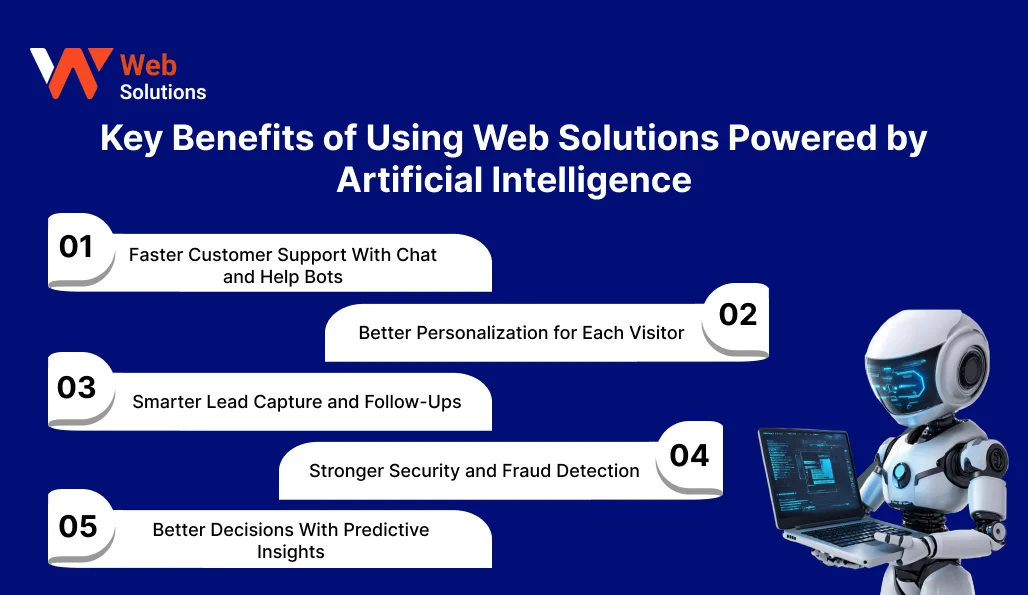
1. Faster Customer Support With Chat and Help Bots
Most startup web solutions get the same questions again and again. Pricing. Timelines. “Do you work in my industry?” A simple bot can handle the first round and pass the serious queries to your team. This cuts reply time and keeps leads warm. You can also connect it to your forms so the bot collects details like budget range or preferred call time.
2. Better Personalization for Each Visitor
Not every visitor needs the same page flow. A first-time visitor needs trust signals and examples. A repeat visitor may need a demo booking link or a quick quote. AI can help reorder content, suggest the right case study, or show the right CTA based on behavior. The goal is small nudges, not creepy tracking.
3. Smarter Lead Capture and Follow-Ups
AI helps you spot high-intent leads faster. It can score leads based on actions like pricing page visits, time on service pages, or form depth. This allows teams to route conversations more efficiently and focus effort where conversion potential is highest.
4. Stronger Security and Fraud Detection
Bots and spam waste time and also mess up your analytics. AI can flag unusual patterns like repeated form submissions from the same IP, odd login attempts, or abnormal checkout activity. It helps reduce fake leads and protects your real users.
5. Better Decisions With Predictive Insights
This is where AI becomes useful for founders. It can highlight patterns like “users from mobile drop after step 2” or “this landing page attracts low-quality leads.” You still decide what to change. AI just helps you see the problem faster.
Use Cases of Web Solutions Powered by Artificial Intelligence
AI works best when it does one clear job. Not ten. Start with the places where your team repeats work every day, or where users drop off. The use cases below are the most common, and they fit both startups and growing businesses.
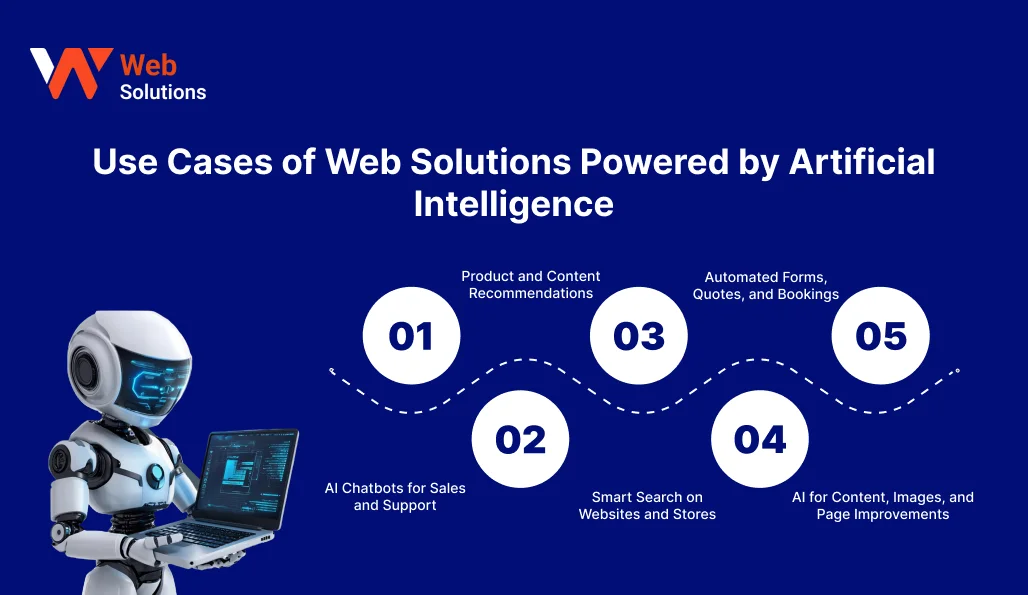
1. AI Chatbots for Sales and Support
A chatbot can handle first questions and basic routing. It can ask 3–4 simple things like service needed, budget range, and timeline. Then it can push the lead to the right form or calendar. This is useful when your team is small and replies get delayed.
2. Product and Content Recommendations
Ecommerce web solutions are not only for big ecommerce brands. Even a service site can suggest the next best page, like “See pricing” or “View case studies” based on what the user did.
3. Smart Search on Websites and Stores
Normal search fails when people type messy queries. Smart search reads intent. It can handle typos, similar words, and short phrases like “pricing for 10 users.” This is a quiet upgrade that reduces drop-offs on content-heavy sites.
4. Automated Forms, Quotes, and Bookings
Forms can feel painful. AI can reduce that friction by auto-filling suggestions, detecting missing info, and routing requests to the right team. For example, a “website redesign” request can go to design, while “payment issue” goes to support. Even bookings can be filtered so you get fewer low-intent calls.
5. AI for Content, Images, and Page Improvements
AI can help draft small website content, write short FAQs, and generate first versions of banners. But it needs a human check, always. Brand tone can slip, and facts can go wrong. If your site runs on a CMS web solutions, this becomes easier to manage with the right setup.
Also Read: CMS web solutions with WordPress and Drupal
How to Use Web Solutions Powered by Artificial Intelligence
If you try to add AI everywhere, you will end up fixing bugs for weeks. Start small. One use case. One page. Then scale. This approach also helps you stay safe with data and avoid messy user experiences.
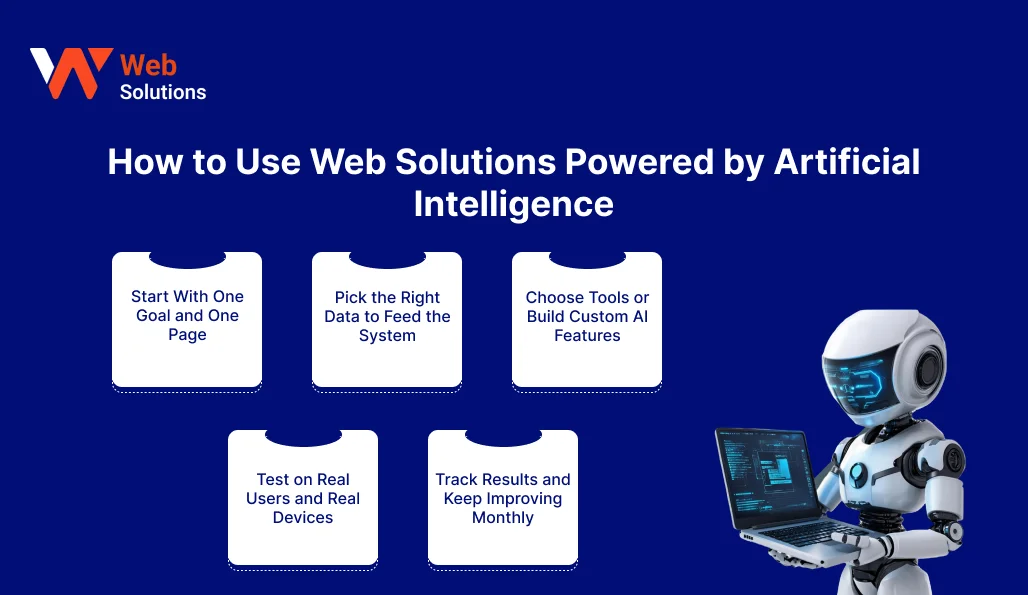
1. Start With One Goal and One Page
Pick one clear goal like “reduce support tickets” or “increase demo bookings.” Then pick one page where it matters most, like the homepage, pricing, or contact page. A small win here builds confidence.
2. Pick the Right Data to Feed the System
AI needs signals to work. Use safe and useful data first, like page clicks, searches, form fields, and top support questions. Avoid sensitive data unless you truly need it. Keep consent clear. Also make sure your tracking is not broken, or the AI will learn the wrong thing.
3. Choose Tools or Build Custom AI Features
Some teams use ready tools for chat, search, and basic personalization. Others build custom features using APIs. Your choice depends on control, budget, and speed. If choosing between tools and custom development feels unclear, a short consulting phase can help clarify the best path without heavy commitment.
4. Test on Real Users and Real Devices
Do not test only on a new laptop and fast WiFi. Test on an older phone, slow network, and small screen. Run 10 test flows. Book a demo. Fill a form. Try a refund or cancellation flow if you have payments. These small tests catch 80% of the issues.
5. Track Results and Keep Improving Monthly
AI features are not “set and forget.” Track a few simple metrics like form completion rate, bounce rate on key pages, lead quality, and support resolution time. Compare before and after. For startups, early cost planning helps avoid surprises as AI usage and traffic scale.
Role of Artificial Intelligence in Modern Web Solutions
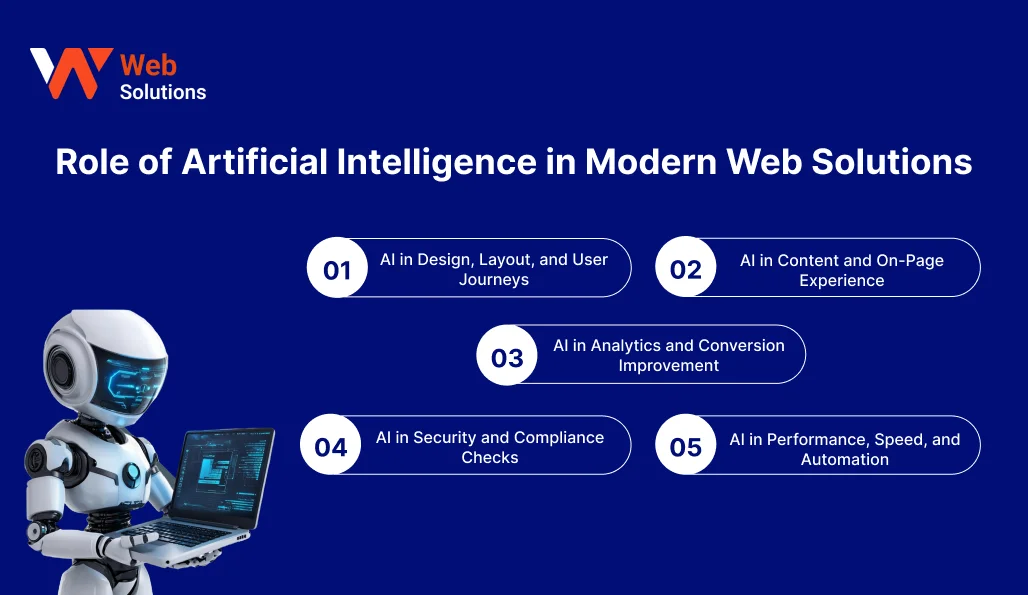
AI is now part of how many websites run day to day. Not only as a chatbot. It sits inside design decisions, content flow, analytics, and even security checks. The key is to use it like a helper, not like a boss. You still decide what your website should do.
1. AI in Design, Layout, and User Journeys
AI helps you spot where users get stuck. Like a confusing menu, a long form, or a CTA that people ignore. Some tools can suggest better page sections, cleaner layout order, and simpler paths to conversion. This is even more useful when your site has many services and pages.
2. AI in Content and On-Page Experience
AI web solutions can help draft FAQs, rewrite microcopy, and create first versions of page sections. It can also help keep tone consistent across pages. But facts and claims still need human checks.
3. AI in Analytics and Conversion Improvement
Analytics is more than dashboards and charts. AI can surface patterns such as pricing page visitors failing to reach the form, or mobile users dropping off after a specific step. This saves time by bringing actionable insights forward, instead of forcing teams to dig through raw data. At a higher level, these insights help teams understand how website decisions influence overall business growth.
4. AI in Security and Compliance Checks
AI can flag unusual activity, block spam submissions, and detect risky logins. It can also help monitor things like broken links, policy pages, and cookie consent issues. It will not make you “fully compliant” on its own. But it can reduce daily risk and noise.
5. AI in Performance, Speed, and Automation
Web teams spend a lot of time on repetitive tasks. Image compression, tag checks, broken pages, slow pages, and simple QA. AI can automate parts of this and alert you early. It helps you keep the site healthy while your team focuses on product and customers.
Challenges and Limitations of Web Solutions Powered by Artificial Intelligence
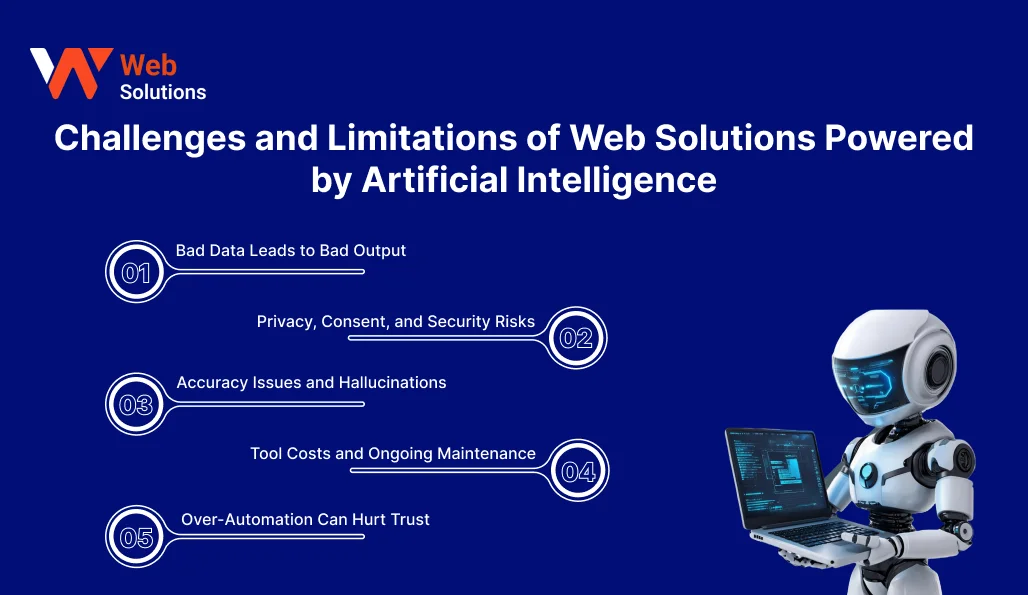
AI can help a lot. But it can also create new problems if you treat it like a shortcut. Most issues come from poor data, weak testing, and unclear boundaries.
1. Bad Data Leads to Bad Output
AI learns from what you feed it. If your forms collect messy inputs, or your analytics tracking is broken, the model will “learn” the wrong patterns. Then it will route leads badly or recommend the wrong pages. This is why teams first fix the base, then add AI on top.
2. Privacy, Consent, and Security Risks
If you collect more data, you also carry more risk. Even small things like chat logs can include personal info. Keep consent clear. Store less. Protect more. NIST’s AI Risk Management Framework is a good reference point for building safer AI systems and managing risk, especially for small teams that do not have a full legal or compliance department.
3. Accuracy Issues and Hallucinations
AI can sound confident and still be wrong. That is dangerous when your site talks about pricing, timelines, policies, or contracts. Put guardrails. Keep answers short. Offer a “Talk to a human” option.
4. Tool Costs and Ongoing Maintenance
AI is not a one-time plugin. You pay for usage, updates, monitoring, and testing. Costs can also rise when traffic grows. Plan this early, especially if you are a startup watching runway.
5. Over-Automation Can Hurt Trust
People can sense when a website is dodging them with auto replies. Use AI for the first layer. Not the full relationship. Also, bots are not only on your side. Imperva’s 2025 Bad Bot Report says bad bots make up 37% of all internet traffic, and automated traffic is 51% of all web traffic. That means your AI forms and chat flows also need protection, or you will end up talking to machines all day.
Will AI Replace Web Developers in the Future?
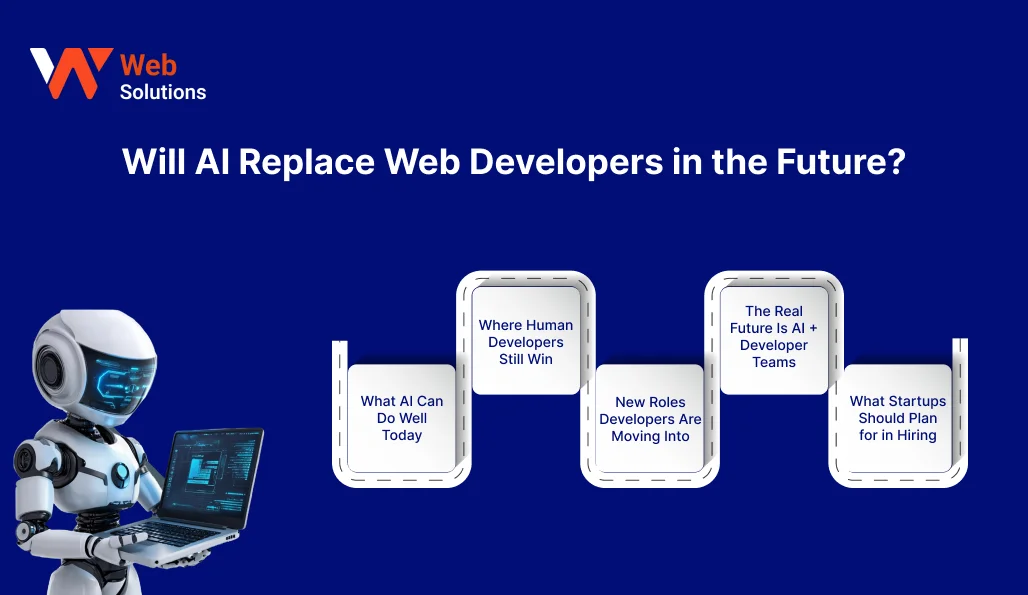
Short answer. No, not fully. But the job will change.
AI is already doing parts of web work faster, like basic layouts, simple code blocks, and quick bug hints. At the same time, most companies are still figuring out how to use AI properly at scale.
Here’s the practical view.
1. What AI Can Do Well Today
AI is good at repeating tasks. Think of first-draft UI sections, form validations, basic API wiring, and quick content edits. It can also speed up debugging by suggesting likely causes. This saves time, especially for early MVPs.
2. Where Human Developers Still Win
Web projects fail in the “messy middle.” Integrations, security, data rules, payments, permissions, performance, and edge cases. AI can help, but it cannot take full ownership. A developer still needs to make trade-offs and keep the system stable.
3. New Roles Developers Are Moving Into
More developers will act like product builders. They will spend less time typing boilerplate and more time on system design, UX flow, and safe deployment. Many will also focus on AI guardrails, like what your bot can say, what data it can touch, and when it should hand off to a human.
4. The Real Future Is AI + Developer Teams
This is the simple truth. AI makes teams faster, but it also makes mistakes faster. You still need a developer to review, test, and ship clean work. If your AI feature touches customer data, you also need stronger risk thinking.
5. What Startups Should Plan for in Hiring
If you are hiring or outsourcing, look for teams that can do both. Solid web fundamentals plus practical AI use. Not only “we added a chatbot.” The strongest teams combine solid web fundamentals with practical AI experience, rather than treating AI as a standalone add-on.
The Future of AI and Machine Learning in Web Solutions
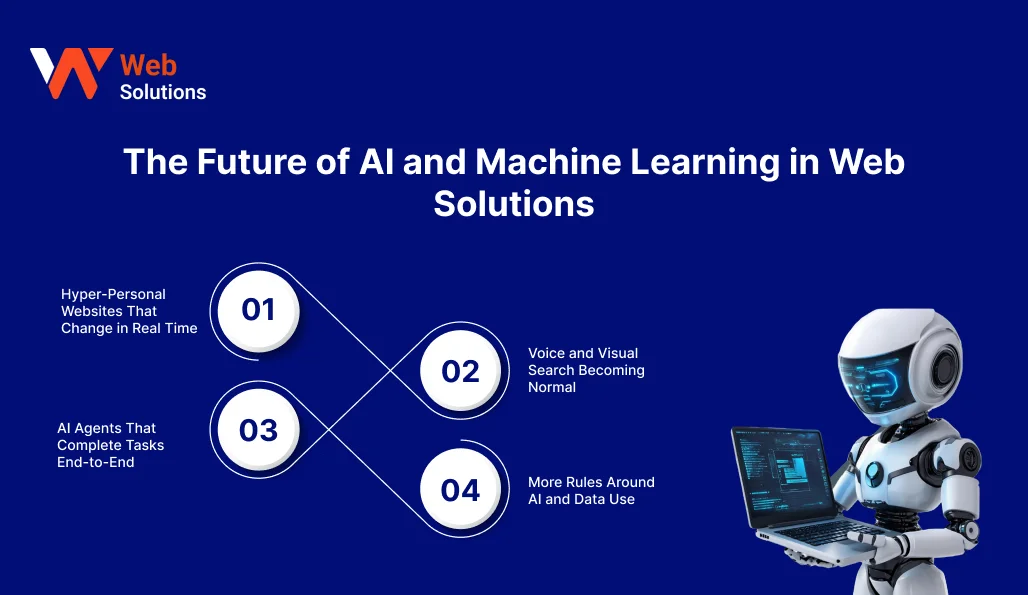
The next wave is not about fancy features. It is about websites that react faster, with fewer clicks, and less effort from your team. AI will sit deeper in the stack. It will shape what users see, what they do next, and how quickly tasks finish.
1. Hyper-Personal Websites That Change in Real Time
Personalization will move from simple name-based greetings style tricks to real UX help. Like showing the right FAQs first, shortening the path to booking, or highlighting one best-fit service. Keep it light. If users feel watched, they bounce. A simple rule works. Personalize the journey, not the person.
2. Voice and Visual Search Becoming Normal
People will search like they talk. Short questions. Half sentences. Sometimes even screenshots. This pushes websites to write clearer content and structure pages better. FAQs, headings, and clean page sections will matter more than long blocks of text. Your site search also needs to understand intent, not just keywords.
3. AI Agents That Complete Tasks End-to-End
Chat will stop being only “answers.” It will become “doers.” Think booking a call, changing an appointment, raising a support ticket, or generating a quote. Start with low-risk tasks first. Like scheduling and routing. Then move to higher-risk actions like payments or account changes.
4. More Rules Around AI and Data Use
As AI touches more user data, rules will tighten. The safe move is simple. Collect less, store less, and log only what you truly need. Add clear consent. Add human review points where the risk is high. This is also where a proper website workflow matters, not just an AI tool.
Also Read: Future of web solutions services trends
Conclusion
AI can make your website feel quicker and more useful. But it only works when the base is strong. Keep your pages fast. Keep your navigation simple. Keep your forms short. If those basics are weak, AI will only add more confusion.
Treat Web Solutions Powered by Artificial Intelligence like a real product feature. Set clear limits on what it can do. Add a human handoff when the question is complex, like pricing, contracts, refunds, or anything related to personal data. A polite “Talk to our team” option saves trust.
Also, test like a real customer. Open your site on an older phone. Try it on a slow network. Do 10 test actions, like booking, submitting a form, and searching for a service. Fix what breaks. Then ship.
The best approach is small and steady. Start with one AI use case that removes friction, like lead routing or support triage. Track a few simple metrics. Improve monthly. Over time, your website becomes easier to run, and your team gets back hours you were wasting every week.
FAQs
1. What is the role of AI in modern web solutions?
AI plays the “helper” role inside a website or web app. It watches patterns like clicks, searches, and drop-offs. Then it suggests the next best step, like showing the right page, routing a lead, or answering a common question. It also helps with boring jobs, like tagging tickets, blocking spam, or spotting unusual logins. The main point is simple. AI helps your site react faster, but you still control the rules, content, and user experience.
2. How can businesses start using AI for their websites?
Start with one problem that wastes time every week. For many teams, it is support questions, lead routing, or weak site search. Pick one page or one flow first, like the contact form or pricing page. Add a small AI layer, test it with real users, and keep the answers short. Always add a clear human option, so users do not feel stuck in a bot loop. Once the first use case works, move to the next one.
3. Will AI eventually replace web developers?
AI can replace some tasks, not the full job. It can draft layouts, suggest code, and speed up debugging. But websites are not only pages. They include security, data rules, performance, payments, integrations, and edge cases. These parts need human judgment and responsibility. Most teams will use AI to move faster, while developers focus more on architecture, quality, and safe releases. So the role changes, but it does not disappear.
4. Can using AI in web solutions significantly reduce the budget of my project?
It can reduce cost in some areas, but it can also add new costs. You may save money on repetitive work like basic content drafts, first-level support, or simple automation. But you still pay for setup, testing, monitoring, and fixes. AI features also need ongoing attention, especially if your product changes often. A safe way to think is this. Use AI to cut time on repeat tasks, not to skip planning, UX, security, or QA. That is where costly mistakes happen.